
Paint in 2D and 3D
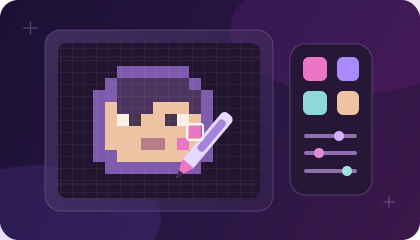
Use brushes, fill, eraser, eyedropper, and light or dark tones. Paint on the canvas or directly on your character.
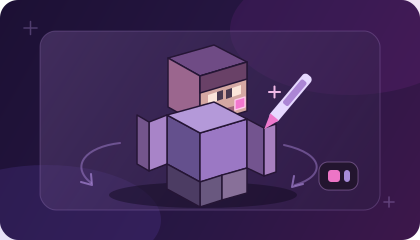
Paint your Minecraft skin in 2D or directly on the 3D model. Add layers and outfits, then download your skin PNG.
A pixel editor on one side, a live 3D preview on the other. Every change stays in sync.
Use brushes, fill, eraser, eyedropper, and light or dark tones. Paint on the canvas or directly on your character.
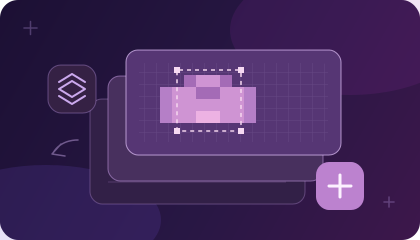
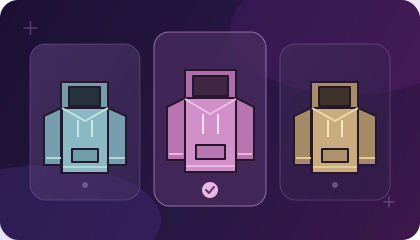
Add layers, move or copy selections, and combine ready-made clothes and accessories with your skin.
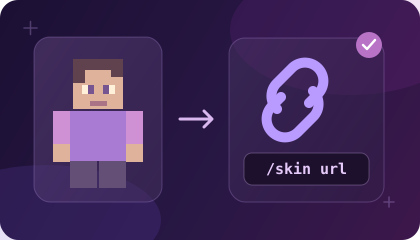
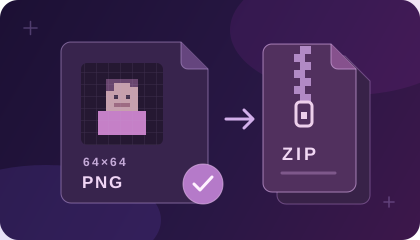
Download your skin as PNG or ZIP, or generate a /skin url command. Use your own skin without a premium Minecraft account on SkinsRestorer-enabled servers.
Start with a PNG, a player name, or a blank canvas. Keep the tools close and the process simple.
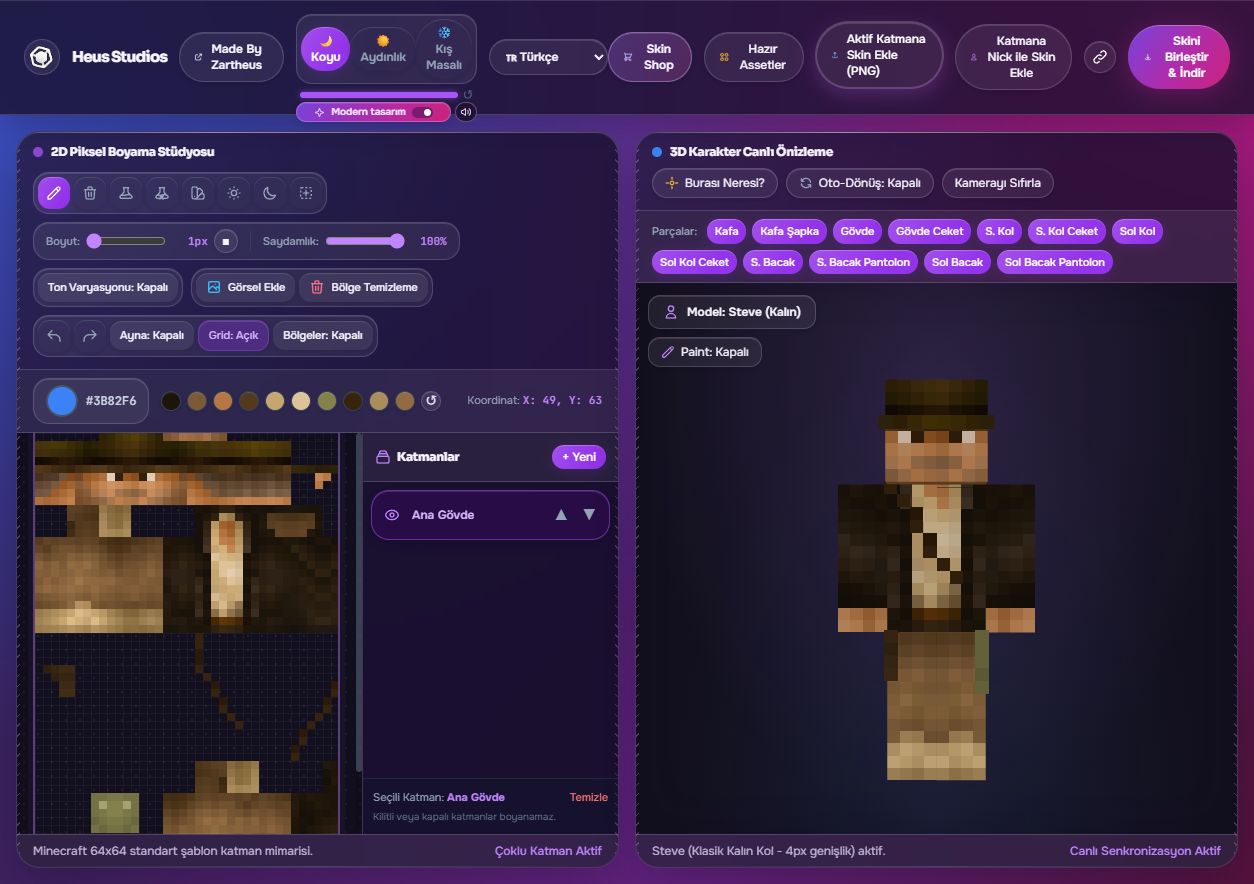
The 2D canvas and 3D character update together. Switch between Steve and Alex, and show or hide individual body parts.
Create your Skin URL in the editor, then copy the /skin url command and run it on your server. On SkinsRestorer-enabled servers, you can use your own skin even without a premium Minecraft account.
Paint a new look, try an outfit, and take your skin into Minecraft.
Come say hi.
Updates, support, videos, and the occasional very normal internet moment.